Everything after the capture
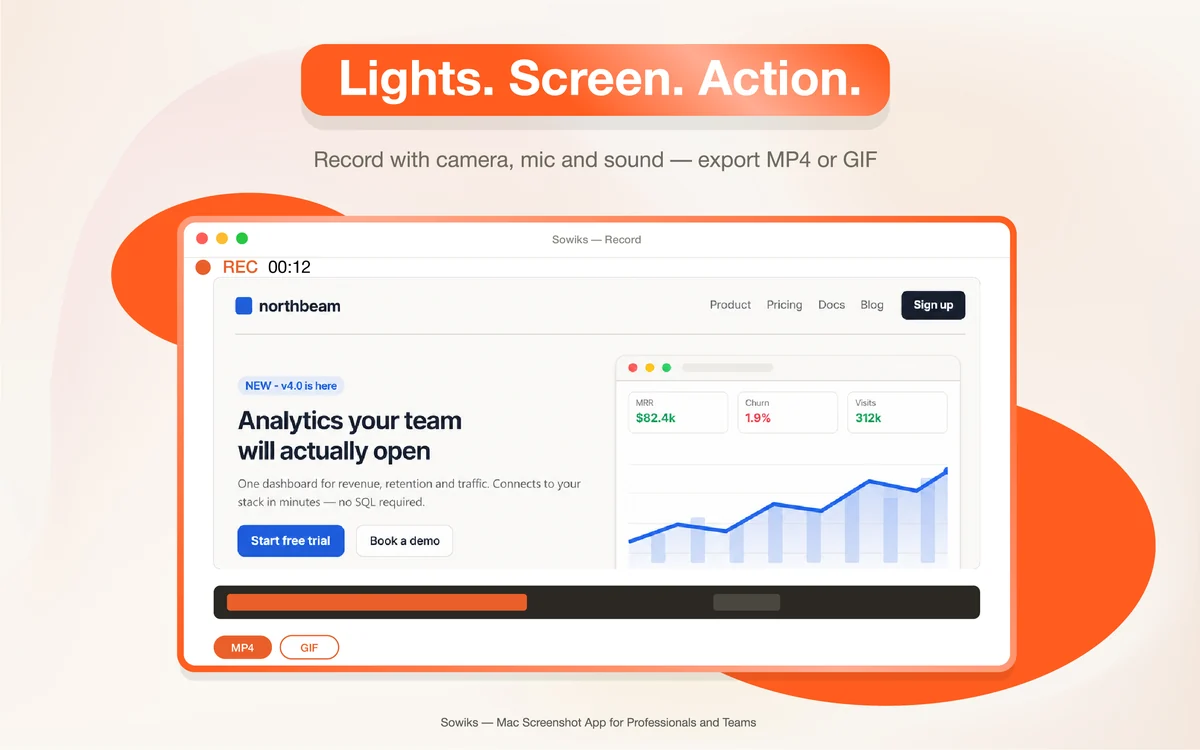
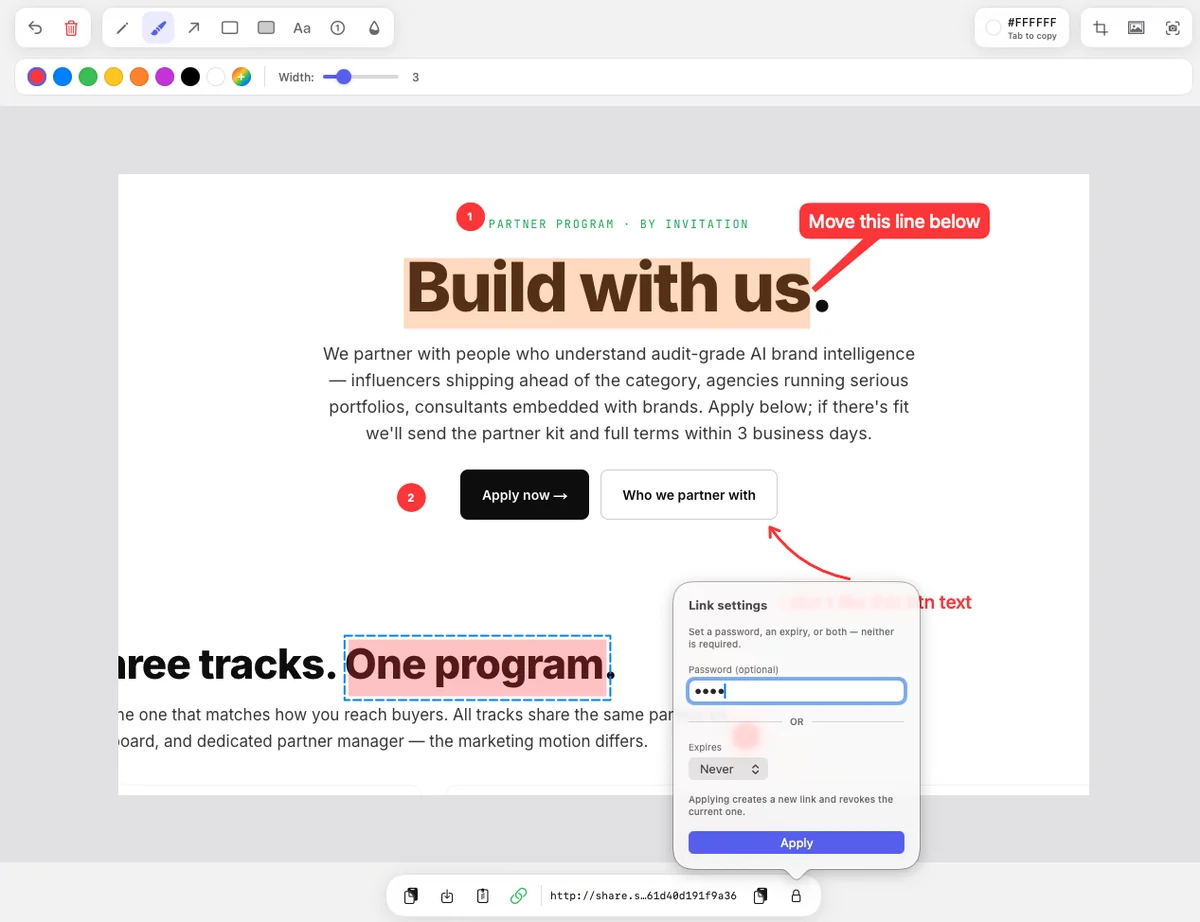
Taking the screenshot is the easy part. What we write about is the rest: scrolling pages that refuse to be captured in one image, annotation that survives a second pass, and links you can hand over without wondering who else can open them.

More reading
12 min read
How to Take a Screenshot on Mac in 2026: A Complete MacBook Guide
Every built-in shortcut, window and menu capture, where the files go, the editing tools, what changed in macOS 27 — and the third-party apps worth adding when the built-in utility runs out.
10 min read
How to Take a Scrolling Screenshot on Mac
macOS has no native full-page capture. What Safari, Chrome and Firefox can do on their own, the apps that stitch a long capture outside the browser, and the flaws you only notice after sending the image.
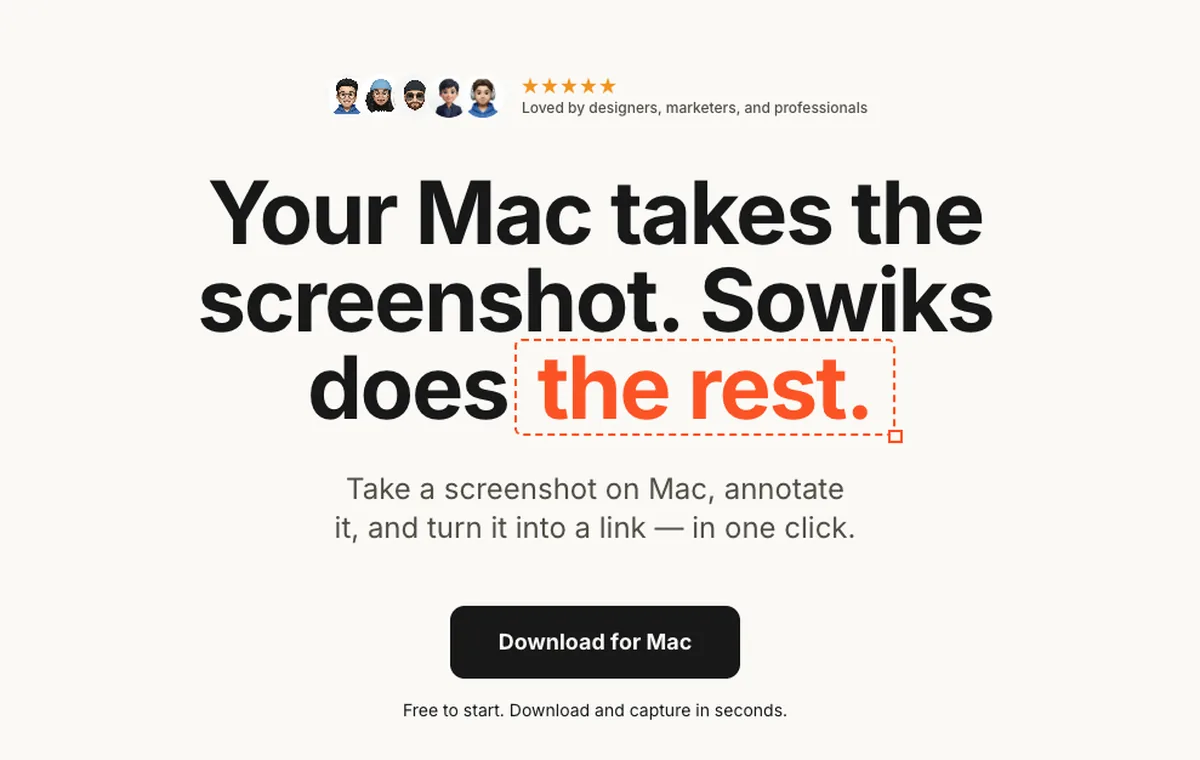
Try the app the writing is about
Sowiks is free for local capture and editing. Solo is $14.99 once.
Download Sowiks for Mac