CleanShot X alternatives for Mac
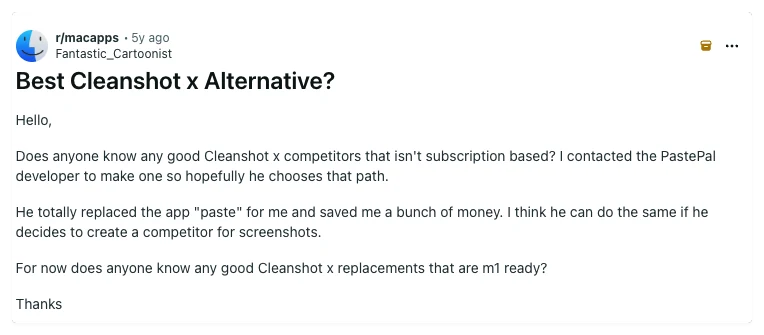
CleanShot X is very good, and most people who leave it are not leaving over features. They leave over the renewal date, the one-Mac license, or a monthly bill for a tool they use for twenty seconds at a time.
This page compares five options on the things that actually decide it: what you pay over three years, whether a shared link can be locked, and what breaks when you switch.
The short answer
Sowiks
Best for paying once. Free covers local capture and editing; $14.99 adds cloud, permanent links you can password-protect, and recording.
CleanShot X
Best overall toolkit. The deepest editor, the most developed cloud, and team features — on a renewal clock or a monthly bill.
Shottr
Best for measuring. A pixel ruler, fast capture, and a tiny footprint. No screen recording at all.
Lightshot
Best for throwaway captures. Free and instant, but links are public and guessable, and there is no blur tool.
macOS built-in
Best for occasional use. Already installed and records video. No scrolling capture, no links, editing happens elsewhere.
Why people look for an alternative
Updates stop after a year. The $29 one-time license includes twelve months of updates. The app keeps running afterward, but new features and fixes stop until another $19 is paid. Reviewers who upgrade macOS quickly treat this as the deciding factor.
One license, one Mac. Anyone running a desktop and a laptop buys twice.
The subscription is priced for cloud. At $8 per month it is aimed at people who need unlimited storage and team features. Reviewers who only capture and annotate locally describe that as paying for the wrong thing.
Too much app. Japanese reviews celebrate the scope, over fifty features described as seven apps in one, then quietly admit they use about three of them. One writer with seventeen years in web production says trying to use everything creates exhaustion.
How this comparison was made
It draws on roughly thirty third-party reviews published in Japanese, French, German and Spanish, rather than the English pages that mostly repeat each other. Reviews that named a test machine and reported something failing were weighted above reviews that ran on adjectives.
Where sources disagreed, the disagreement is stated instead of resolved. Shottr's pricing is described three different ways across the corpus, so this page says it is inconsistent rather than picking one.
Side by side
| Tool | Price | Model | Updates | Share links | Link privacy | Scrolling | OCR | Recording | Best for |
|---|---|---|---|---|---|---|---|---|---|
| Sowiks | $0 free / $14.99 Solo | Free, or one-time | All future updates on Solo | Solo | Expiration + password | Yes | Yes | Solo | One-time price, private links |
| CleanShot X | $29 one-time / $8 per month | One-time, or subscription | 1 year, then paid renewal | Yes | Password + auto-delete on subscription | Yes | Yes | Yes | Deepest feature set |
| Shottr | Free to start | Pay what you want | Ongoing | Optional | Local by default | Yes | Yes | No | Pixel measurement, speed |
| Lightshot | Free | Free | Rare | Yes | Public, guessable URLs | No | No | No | Quick region capture |
| macOS built-in | Free | Included | With macOS | No | n/a | No | Live Text | Yes | Occasional screenshots |
What CleanShot X still does better
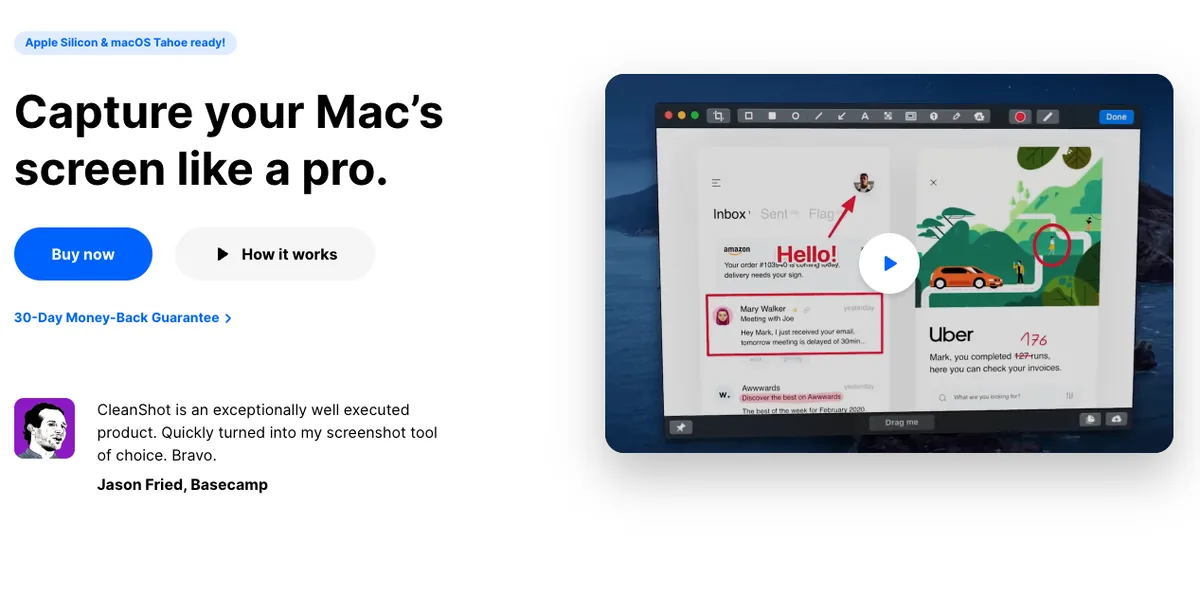
Its cloud is more developed. Capture, annotate, upload and paste a link is one continuous motion, and the subscription tier adds branded domains and team management on top.
The editor goes deeper. A French reviewer singles out curved arrows, a highlighter that snaps to the shape of the text under it, and a spotlight that darkens everything outside the selection.
Recording has more controls: keystroke display, click highlighting, a webcam overlay, and automatic hiding of notifications while recording.
And it is simply bigger. Impress PC Watch, one of Japan's major IT publications, describes it as seven apps condensed into one. If a workflow needs pinned screenshots, capture history, or hidden desktop icons, CleanShot X has all three.
The alternatives
Sowiks
Free, or $14.99 one-time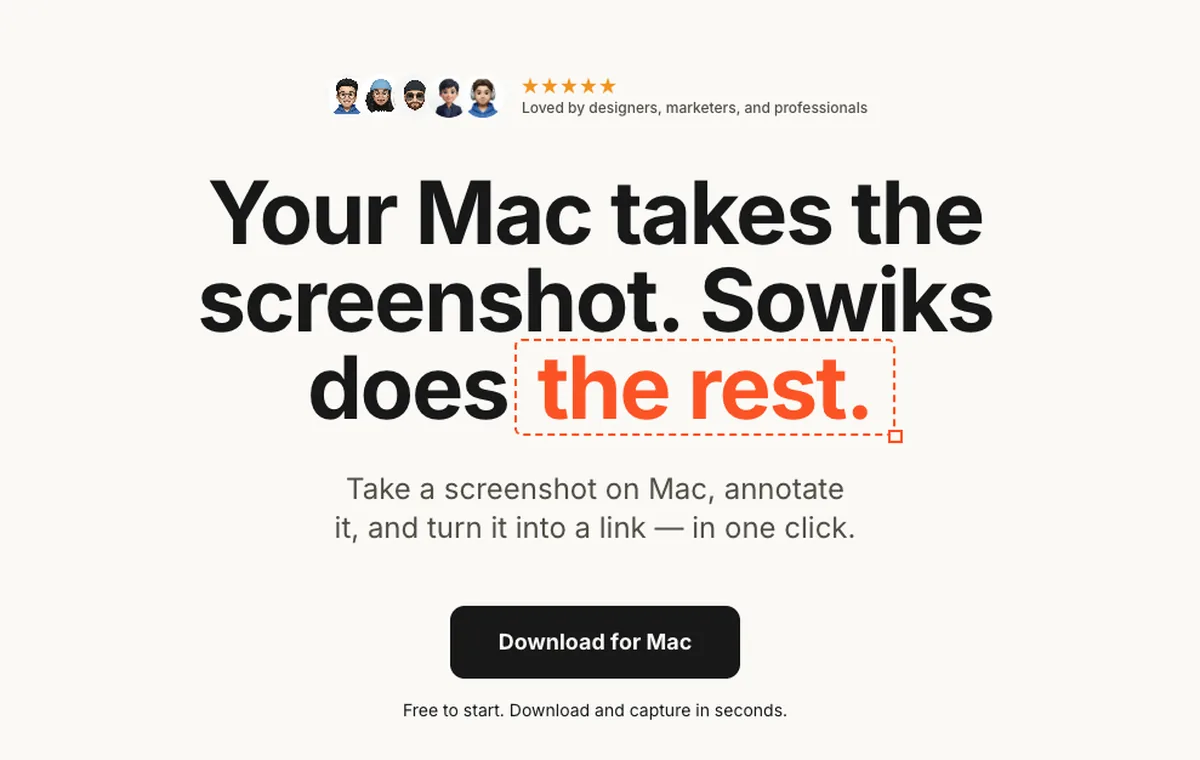
What it does
- ✓Free covers unlimited local capture and editing, all capture modes, and OCR.
- ✓Solo adds 1 GB of cloud storage, permanent share links, screen recording as video or GIF, and no Sowiks branding.
- ✓Share links carry an expiration setting and optional password protection.
- ✓Scrolling capture, 13 annotation tools, blur, step numbers, color picker, overlays, resize, and backgrounds.
- ✓Combine up to 10 screenshots into one gallery with a shared link or a ZIP.
Where it stops
- —Cloud storage, share links, and recording are Solo features. The free plan is local only.
- —No team administration, roles, or shared workspaces.
- —Mac only.
Who it suits. People who want the capture-annotate-share loop without a subscription, and who care that a shared link can be locked and given an expiry date.
Download Sowiks for MacShottr
Pay what you want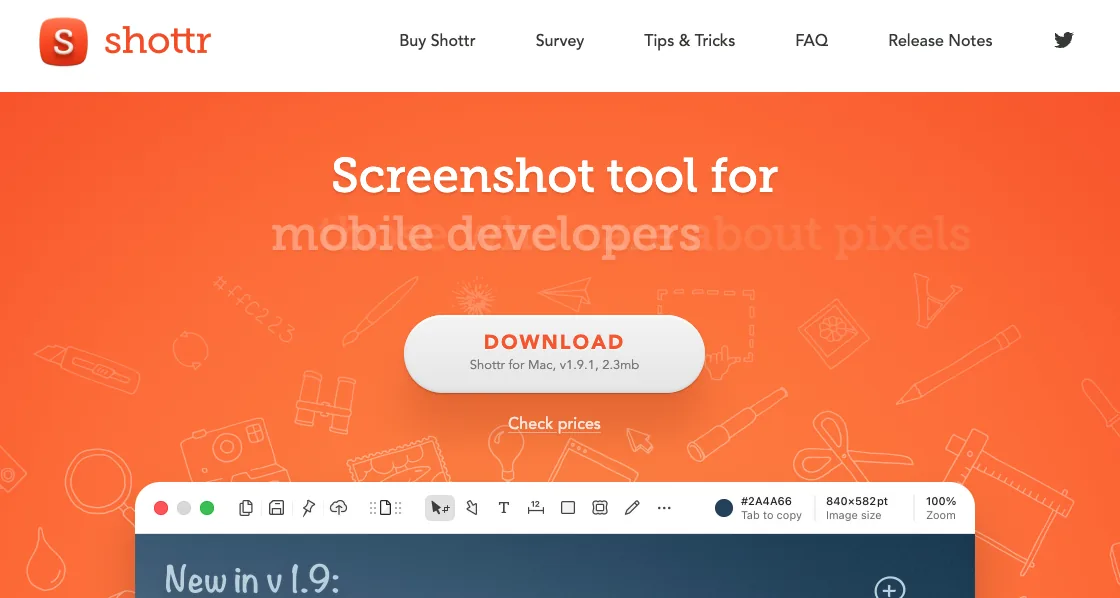
What it does
- ✓Fast capture with the editor opening straight after the shot.
- ✓Scrolling capture, OCR, and QR reading.
- ✓A pixel ruler and grid overlay for measuring spacing between interface elements.
- ✓Pixelation and object removal for redacting before sharing.
- ✓Uploading is optional. Captures stay local unless the upload is triggered.
Where it stops
- —No screen recording of any kind. This is the cleanest functional gap between Shottr and the rest.
- —A Spanish review that published its test machine, macOS Sonoma on an M2, found scrolling capture producing duplicate segments and missing content on pages that load through JavaScript.
- —Pricing is described inconsistently across sources.
Who it suits. Designers and developers who measure things, work locally, and do not need video.
Lightshot
Free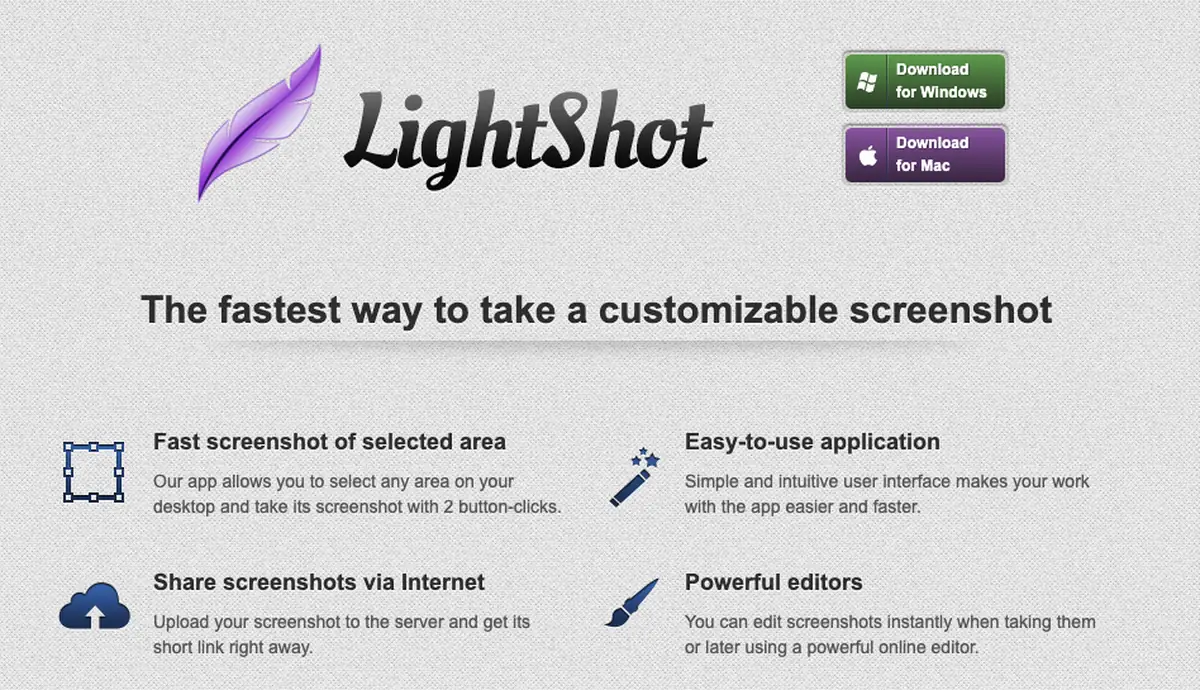
What it does
- ✓Region capture with arrows, rectangles, marker, and text.
- ✓Upload and get a short link, which is the core of the product.
- ✓Runs on Windows and Mac, plus browser extensions.
Where it stops
- —No scrolling capture and no screen recording.
- —No blur or pixelation, so there is no way to redact a screenshot before uploading it.
- —Uploaded screenshots land on public, sequentially numbered prnt.sc URLs. A Spanish analysis documents that other people's screenshots can be reached by changing characters in the address.
Who it suits. Quick throwaway captures where nothing sensitive is on screen.
macOS built-in
FreeWhat it does
- ✓Capture shortcuts and screen recording are already installed.
- ✓Live Text pulls text out of images.
- ✓Markup in Preview handles basic arrows and shapes.
Where it stops
- —No scrolling capture.
- —No one-step annotation. The file saves first, then gets opened somewhere else.
- —No share links.
Who it suits. Anyone who takes a screenshot now and then and does not want another menu bar icon.
What switching costs you
Team features are the real gap. CleanShot X sells shared workspaces, admin controls, and branded domains on its subscription. Sowiks has no equivalent. A team that needs central administration should stay put.
Some recording extras do not carry over. Keystroke display, click highlighting, and webcam overlay are CleanShot X features. Sowiks records video and GIF on Solo, without those additions.
Small utilities add up. Pinned screenshots, capture history, and hiding desktop icons during capture are all things reviewers mention using daily, and none of them has a published Sowiks equivalent.
Pick by what you do
Designers
Shottr fits when pixel measurement and fast markup matter more than links. CleanShot X fits when backgrounds and annotation styling drive the output.
Support teams
The job is redact, then send a link. CleanShot X's subscription is the match when team controls are required. Sowiks Solo covers the same loop at a one-time price, with password-protected links.
Developers
Scrolling capture for logs and OCR for error text carry most of the weight. Shottr is the lightest option. Sowiks adds recording and links on Solo.
Technical writers
Step numbers that renumber themselves, combined screenshots, and a repeatable share step decide it. CleanShot X has the deepest toolkit here. Sowiks covers the same pipeline without a renewal date.
Pricing breakdown
Sticker price decides very little here. What decides it is whether the price repeats. Below is the cumulative cost over three years, using the pricing and renewal terms described in the sources.
| Plan | Year 1 | Year 2 | Year 3 |
|---|---|---|---|
| Sowiks Solo — $14.99 one-time | $14.99 | $14.99 | $14.99 |
| CleanShot X — $29 one-time + $19 per year of updates | $29 | $48 | $67 |
| CleanShot X — subscription at $8 per month, billed annually | $96 | $192 | $288 |
| Shottr — pay what you want | $0+ | $0+ | $0+ |
| Lightshot | $0 | $0 | $0 |
The subscription is the outlier. At $8 per month billed annually, CleanShot X costs $288 over three years. That buys unlimited cloud storage and team features. For anyone not using either, it is the most expensive way to annotate a screenshot.
The one-time license is not quite one-time. $29 covers the app and twelve months of updates. Keeping it current costs $19 a year after that, which is how $29 becomes $67 by year three. The app keeps working if the renewal is skipped, but it stops receiving fixes, and macOS does not stop changing.
Free is rarely free of tradeoffs. Lightshot costs nothing and puts screenshots on public URLs that can be guessed. Shottr asks for whatever the user thinks it is worth, and has no recording. The macOS tool is free because it stops where the work starts.
Sowiks Solo stays at $14.99. One payment, all future updates, and no renewal date to track. The free tier stays free for local capture and editing, so the paid step only happens when cloud links or recording are actually needed.
Questions
Is Sowiks free?
What does Sowiks Solo add?
Does CleanShot X still have a one-time purchase?
Is Shottr a good CleanShot X replacement?
What is the Lightshot prnt.sc privacy problem?
Can share links be locked down?
Try it before deciding
Capture and edit locally for free, for as long as you want. Solo is $14.99 once, and there is no renewal date to remember.
Download Sowiks for Mac